What Is an SSL Certificate & Why Your Site Needs One
In today's digital world, website security is no longer optional. Whether you run a personal blog, an eCommerce store, or a corporate website, protecting user data is essential. That's where an SSL certificate comes in.
If you've ever noticed the padlock icon in your browser's address bar or the "https://" prefix before a website URL, you've seen SSL in action. But what exactly is an SSL certificate, how does it work, and why does every website need one?
Let's break it down.
What Is an SSL Certificate?
An SSL (Secure Sockets Layer) certificate is a digital certificate that encrypts data transmitted between a user's browser and a web server.
In simple terms:
SSL ensures that any information exchanged between a visitor and a website remains private and secure.
When a site has SSL installed:
The URL changes from http:// to https://
A padlock icon appears in the browser
Data is encrypted before being transmitted
Although SSL is technically outdated and replaced by TLS (Transport Layer Security), the term "SSL certificate" is still widely used.
How Does an SSL Certificate Work?
An SSL certificate works using public key encryption.
Here's a simplified explanation:
A user visits a website.
The browser requests secure identification.
The server sends its SSL certificate.
The browser verifies the certificate with a trusted Certificate Authority (CA).
A secure, encrypted connection is established.
Once connected, any data shared - such as passwords, credit card numbers, or contact form details - is encrypted and unreadable to hackers.
Why Every Website Needs an SSL Certificate
Many people assume SSL is only necessary for e-commerce websites. That's no longer true.
Here's why every website needs SSL:
1. Protects User Data
Even if your site only collects email addresses through a contact form, that's still personal data.
Without SSL:
Data can be intercepted
Login credentials can be stolen
Sensitive information can be exposed
With SSL:
All transmitted data is encrypted
Man-in-the-middle attacks are prevented
Users feel safer interacting with your site
2. Improves SEO Rankings
Google officially confirmed that HTTPS is a ranking factor.
Websites without SSL may:
Rank lower in search results
Show "Not Secure" warnings in browsers
Experience higher bounce rates
Installing an SSL certificate helps:
Improve search engine trust
Increase click-through rates
Boost overall SEO performance
If you care about organic traffic, SSL is mandatory.
3. Builds Trust and Credibility
Users are becoming more security-aware.
When visitors see:
A padlock icon
HTTPS in the URL
No browser security warnings
They’re more likely to:
Stay on your website
Make a purchase
Submit their information
Trust directly impacts conversions.
4. Required for Online Payments
If you accept payments online, SSL is non-negotiable.
Payment gateways require:
Secure HTTPS connections
Encrypted data transfer
PCI compliance
Without SSL, you cannot safely process credit card transactions.
5. Prevents "Not Secure" Browser Warnings
Modern browsers like Chrome and Firefox label non-HTTPS sites as "Not Secure".
This warning:
Scares visitors
Reduces credibility
Hurts conversions
An SSL certificate removes these warnings instantly.
Types of SSL Certificates
There are different types of SSL certificates depending on your needs.
1. Domain Validation (DV) SSL
Basic level of encryption
Fast issuance
Ideal for blogs and small websites
2. Organization Validation (OV) SSL
Verifies business identity
More trust signals
Suitable for company websites
3. Extended Validation (EV) SSL
Highest trust level
Strong brand verification
Ideal for eCommerce and enterprises
4. Wildcard SSL
Secures main domain and subdomains
Cost-effective for multiple subdomains
Free vs Paid SSL Certificates
Many hosting providers now offer free SSL certificates (like Let’s Encrypt).
Free SSL:
Basic encryption
Suitable for most small websites
Automatically renewable (usually)
Paid SSL:
Higher warranty coverage
Enhanced validation options
Ideal for large businesses
For most websites, free SSL is sufficient. But high-traffic or enterprise websites may prefer premium options.
How to Get an SSL Certificate
Getting an SSL certificate is easier than ever:
Purchase hosting with free SSL included
Enable SSL in your hosting dashboard
Install the certificate
Force HTTPS redirect
Most modern hosting providers offer one-click SSL installation.
What Happens If You Don't Use SSL?
Without SSL:
Your site shows "Not Secure"
Data can be intercepted
SEO rankings may suffer
Users lose trust
Payments cannot be processed securely
In short: not using SSL puts your website and visitors at risk.
SSL Certificate and Website Performance
Some website owners worry that SSL slows down websites.
The truth:
Modern SSL certificates have minimal performance impact
HTTP/2 works better with HTTPS
Secure websites often load faster due to optimized protocols
Security and speed can coexist.
Final Thoughts
An SSL certificate is no longer optional - it's a fundamental requirement for any website.
Whether you're running a blog, business site, or online store, SSL protects your users, improves SEO, builds trust, and ensures secure data transmission.
If your website still runs on HTTP, it's time to upgrade to HTTPS.
Frequently Asked Questions (FAQ)
1. What does SSL stand for?
SSL stands for Secure Sockets Layer, a protocol used to encrypt data between a browser and server.
2. Is SSL required for all websites?
Yes. Even informational websites benefit from improved security, trust, and SEO.
3. Does SSL improve SEO?
Yes. HTTPS is a confirmed Google ranking factor.
4. Are free SSL certificates safe?
Yes. Free SSL certificates like Let's Encrypt provide strong encryption and are safe for most websites.
5. How long does an SSL certificate last?
Most SSL certificates are valid for 90 days to 1 year, depending on the provider.
Ready to Secure Your Website?
Website security should never be an afterthought. An SSL certificate is one of the easiest and most important upgrades you can make.
If you need help installing SSL, choosing the right certificate, or securing your website properly:
👉 Visit our Contact Page and get in touch today.
Let's make your website secure, trusted, and ready to grow.
Hosting and Server Security
An SSL certificate works best as part of a broader security setup. Choose secure web hosting, understand the support included with managed hosting, and keep the software on Linux web servers updated.

Written by
Madhavendra DuttI build modern, high-performance websites and provide secure hosting and strategic digital marketing solutions that help businesses grow online. My focus is on clean development, speed, reliability, and measurable results.
View all posts →Related Posts
Continue exploring similar topics
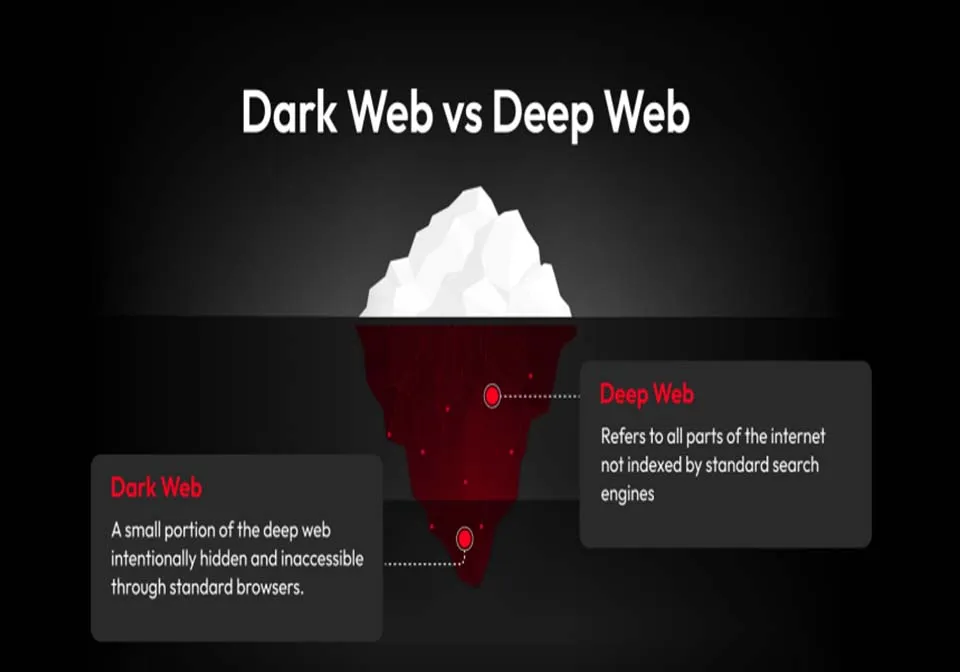
Dark Web vs Deep Web explained in simple terms. Learn key differences, security risks, myt...
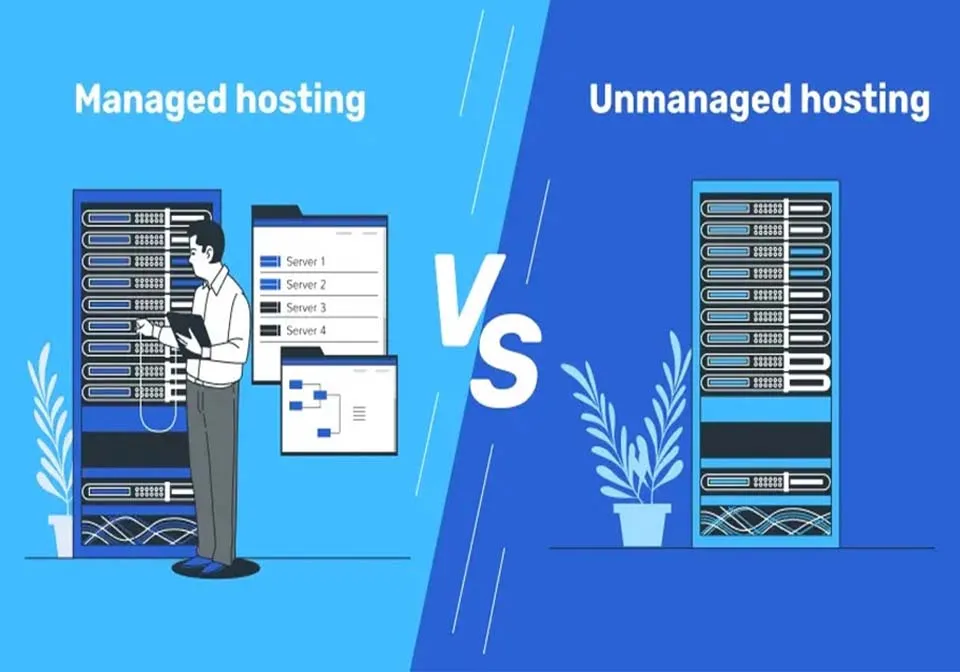
Managed hosting vs unmanaged hosting, what’s the real difference? Learn about performance,...

When it comes to powering the internet, Linux dominates the server world. From cloud platf...